# AI Search and Research
Many workflows and agents require the ability to dynamically Search Google or do broader AI-powered research on a topic. For example, you may want to do search for information about a company that fills out a prospect interest form. To achieve this, you have two basic options:
1\) Search Google and analyze the results
2\) Use an AI-model with built-in Search
## Using Google Search
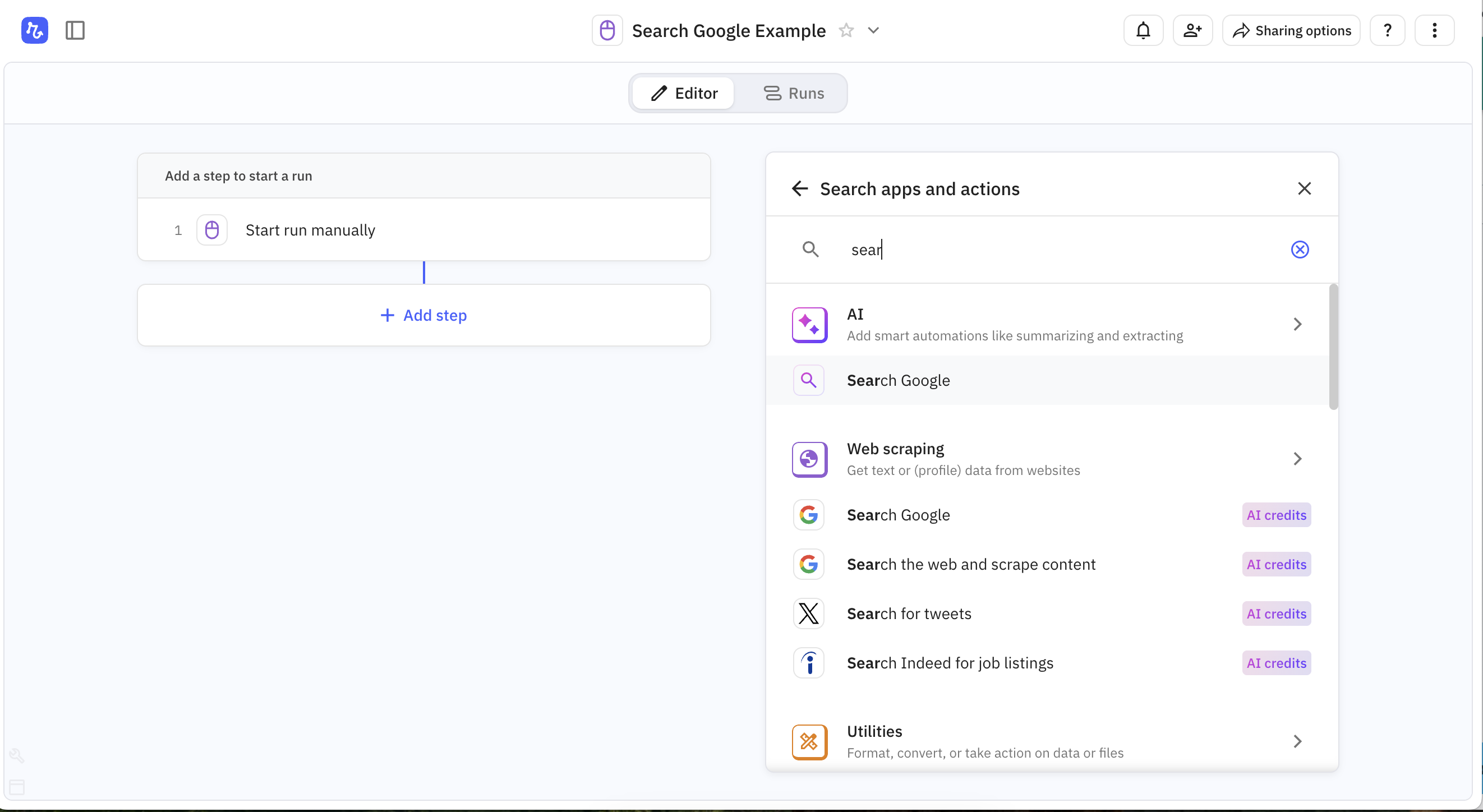
To initiate a Google Search in a workflow, you can use the 'Search Google' step, which is in both the AI and Web scraping menus:
The Search Google step
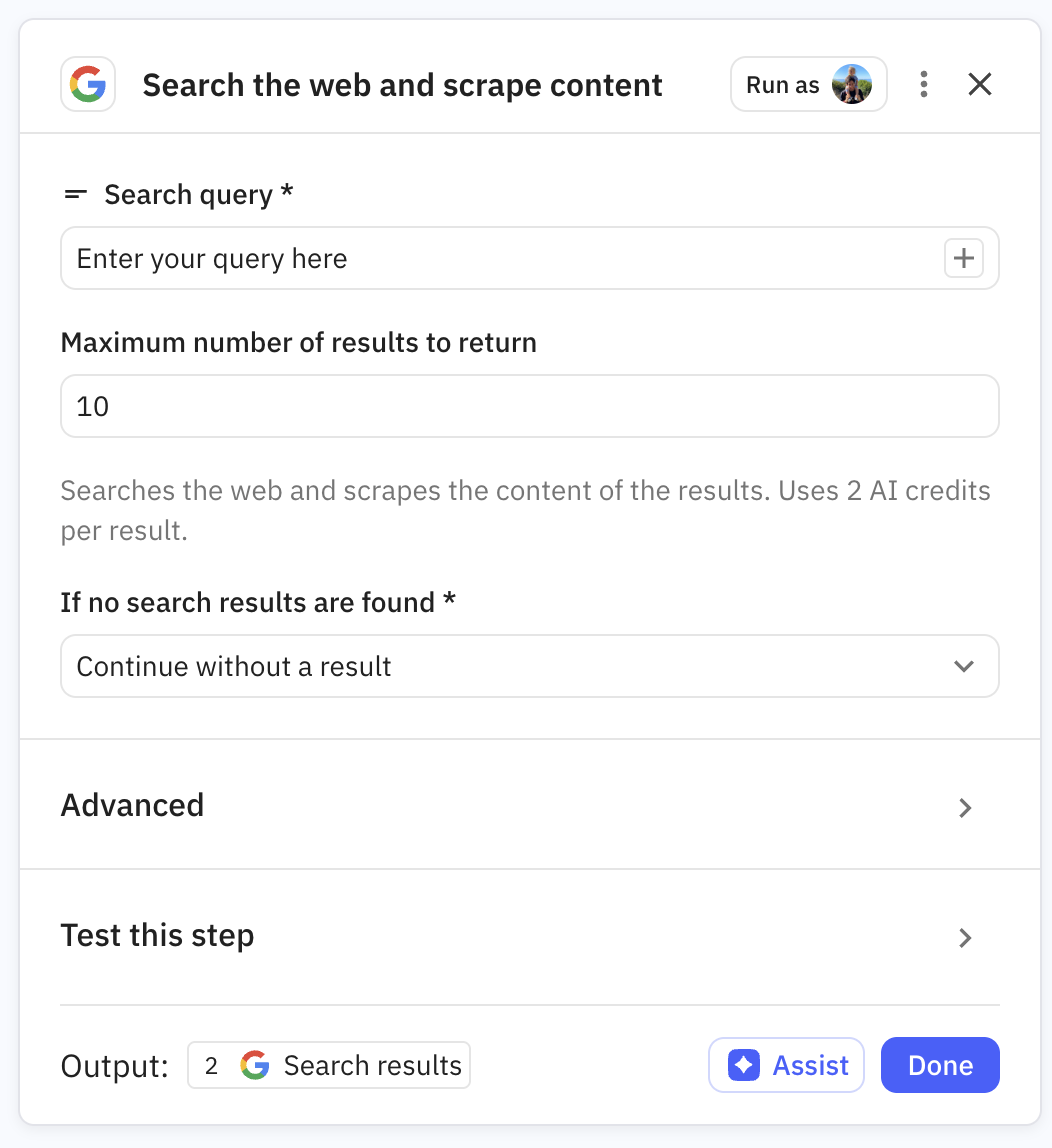
Once you've selected 'Search Google', you just need to specific your query and the number of results to return and / or scrape. Your query will typically be formulated from the outputs of previous steps (see [step-outputs](https://docs.relay.app/data/step-outputs "mention") for more information).
Setting up a "Search Google" step.
After your Search Google step, you'll typically need to use an [AI Step](https://docs.relay.app/ai/ai-steps) to process the results and extract the information you want.
## Using AI Search (Perplexity, ChatGPT, etc)
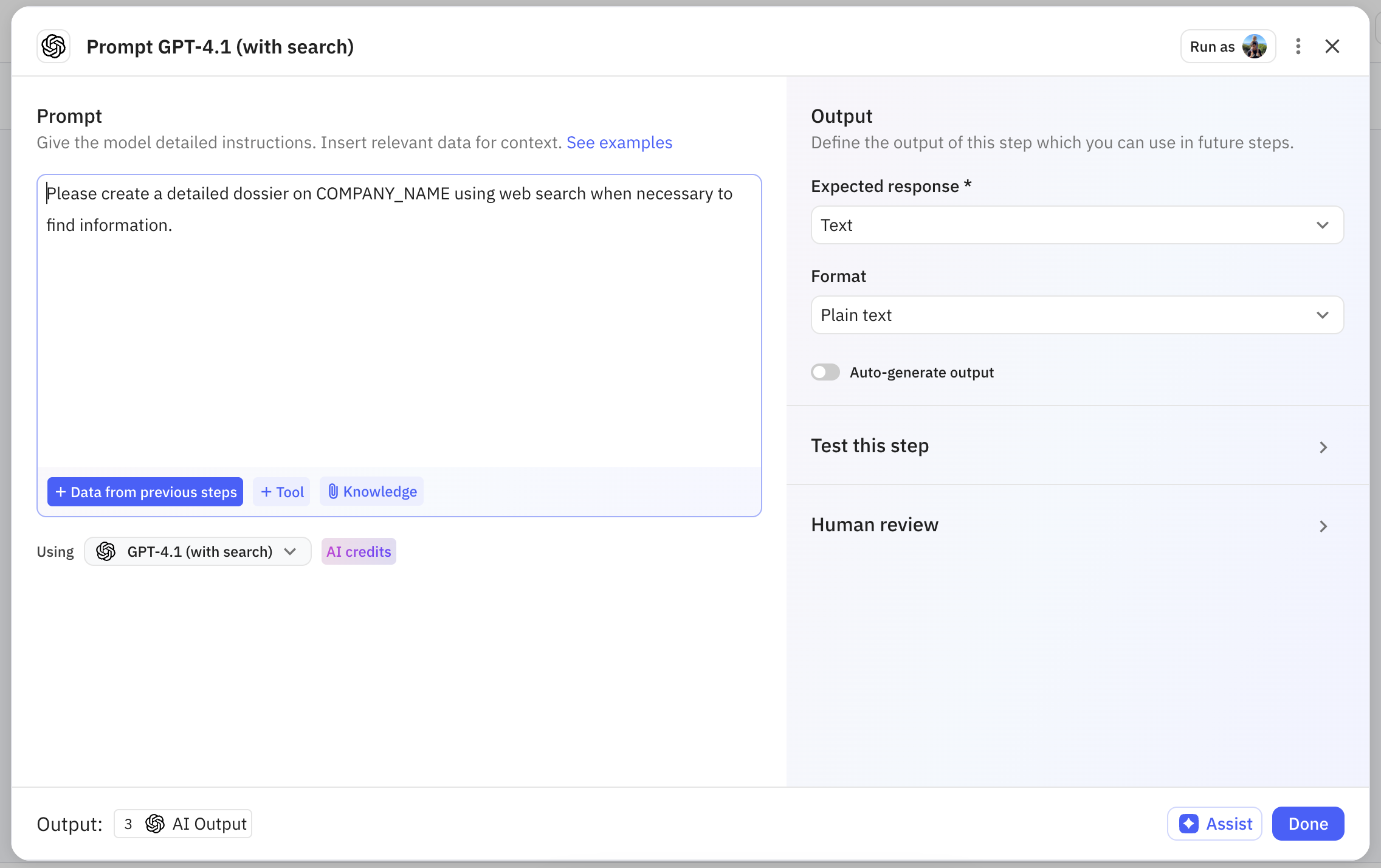
Alternatively, if you want to delegate more to AI, you can use an AI model with built-in search to do a prompt-based search. To do this, set up a standard 'Prompt any model' AI step and be sure to select a model with built-in search. This includes all of the Perplexity models, and a subset of the OpenAI and Google Gemini models.
An AI step with built-in search
---
# Agent Instructions: Querying This Documentation
If you need additional information that is not directly available in this page, you can query the documentation dynamically by asking a question.
Perform an HTTP GET request on the current page URL with the `ask` query parameter:
```
GET https://docs.relay.app/ai/ai-search-and-research.md?ask=
```
The question should be specific, self-contained, and written in natural language.
The response will contain a direct answer to the question and relevant excerpts and sources from the documentation.
Use this mechanism when the answer is not explicitly present in the current page, you need clarification or additional context, or you want to retrieve related documentation sections.